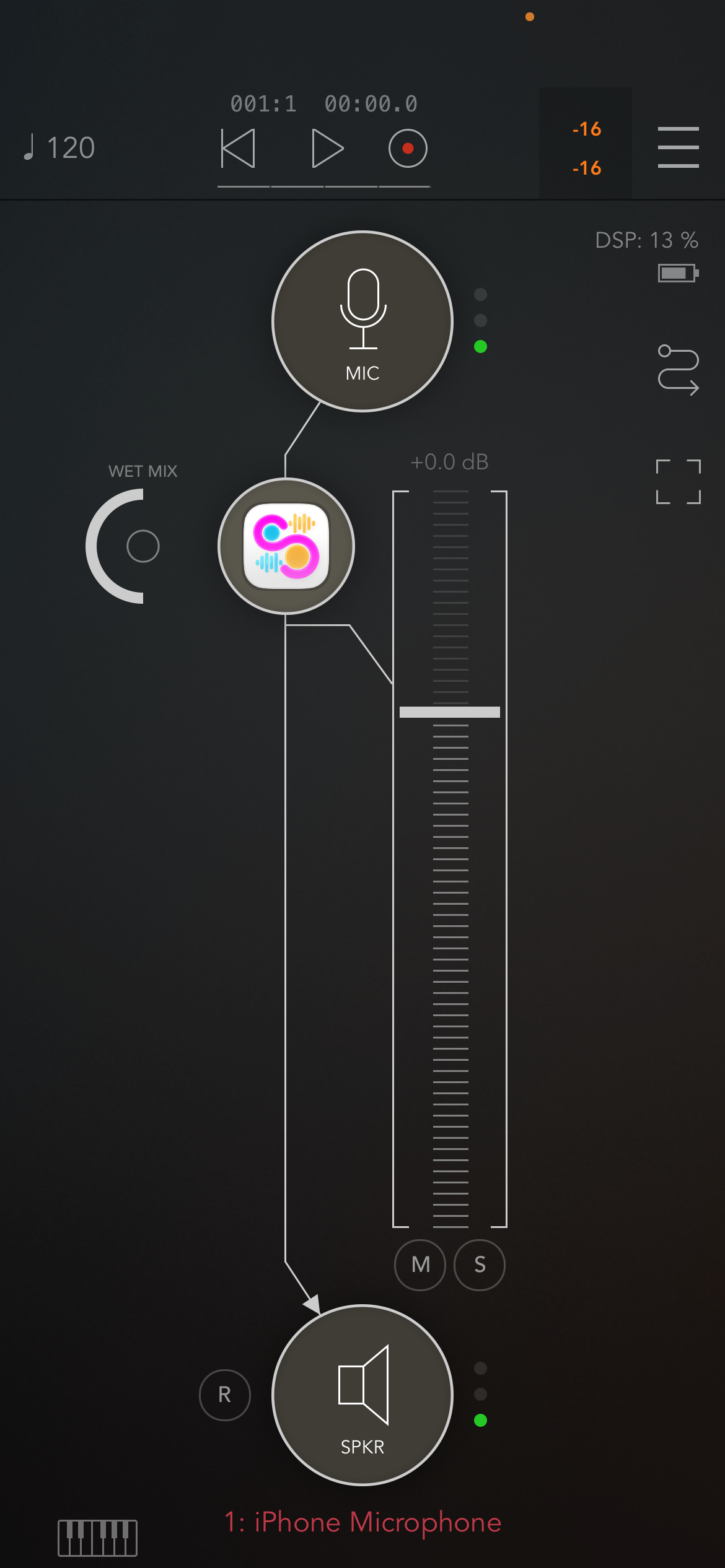
Auv3 update:
Ive been working on improving the Auv3 version of the app. Currently it works and I use it all the time but there are a couple of gotchas that I am working through. Audio capture in Auv3 is currently working but more testing is needed. Currently there is a difference between the file system for the standalone app and the file system for the Auv3 app. I had a suspicion this was going to be the case because when I use other auv3 applications I have noticed they always have a custom file management interface. Guess I know why now. 😀 Need to figure out the best and efficient way to handle this. There is also the issue with exposing parameters to the auv3 host so external devices(digital and physical) can be mapped into Samposium. I have to look into how to expose parameters that can be generated dynamically. Example, a sample pad can have a multitude of different effects, but comes with the 4 basic Volume, Pan, Rate and Pitch. Those 4 parameters are always guaranteed to be there which are easy to expose but when a user adds and removes effects can we dynamically add parameters to the parameter tree to expose functionality to the host. Just a little update on what’s happening with the AUv3.
Samposium 1.02 video:
Samposium 1.02 is packed with new features designed to extend the creativity and control of the application. This update provides new ways to control the sequencer, sample pads, and effects. We start by looking at the revamped sample pad midi assignment. The UI lets you select between notes and midi CC# and also contains a easy “push to learn” midi feature to make mapping devices and controllers easy. We then dive into the new sample effect midi mappings which makes controlling a samples pad effects feel like a natural extension of the iPads touch screen. The video then goes over the new primary effect range functionality, which is a way to set upper and lower bounds for an effects primary value. Each effect also has a step size now. The step size can limit the behavior of the touch sliders and the randomizers, for even more fun accidental discovery moments.
